Malmoi
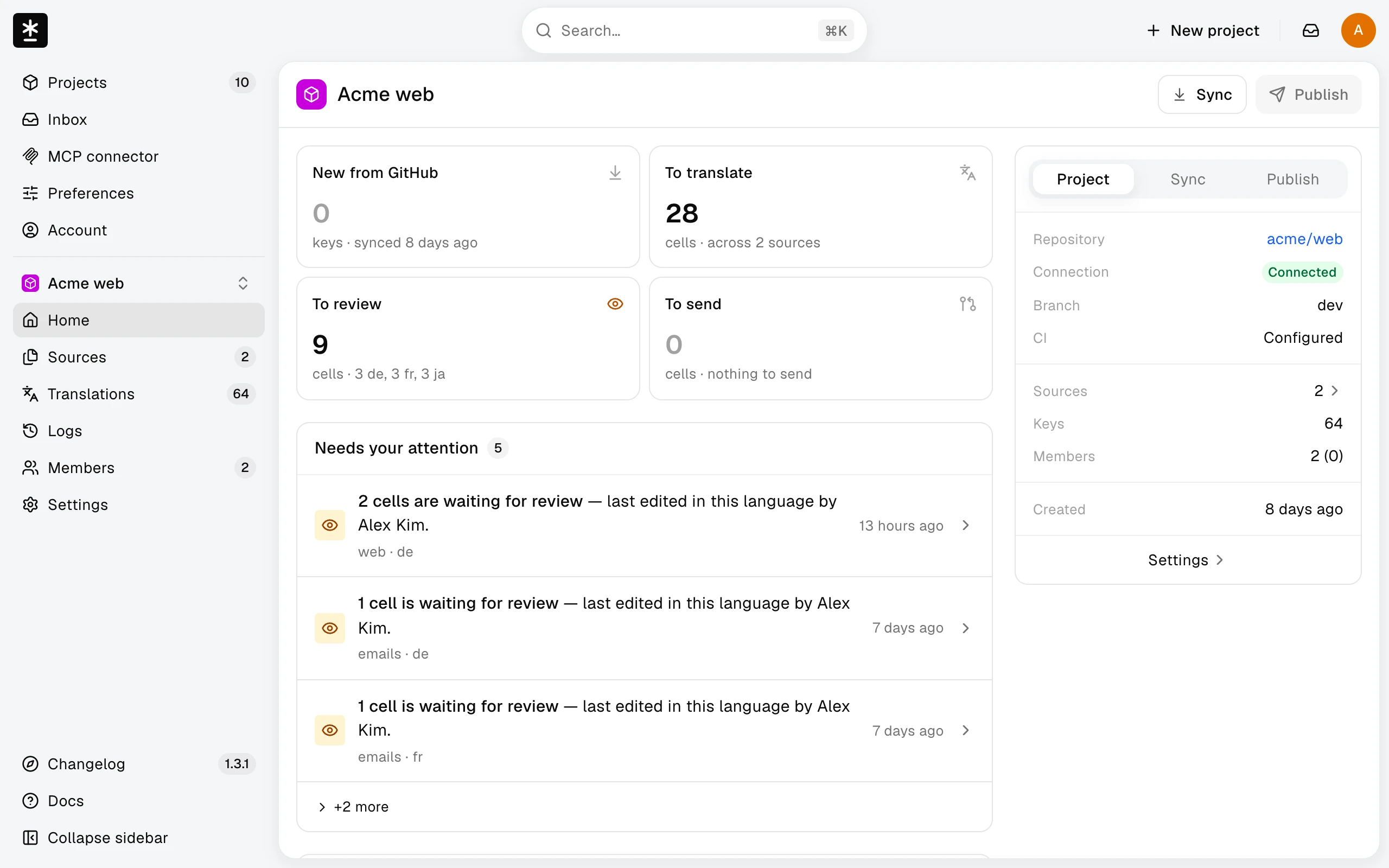
Malmoi finds a GitHub or GitLab.com repository's translation files, lets teammates edit them in the browser without Git, and sends saved changes back in one pull request or merge request.
In the 1910s, a Korean dictionary compilation project called Malmoi gathered scattered words into one collection; this product takes its name from that work.
Set up a project to connect your repository, or join your team to edit and publish translations.
More in the docs
- Set up a projectInvite your team, add or remove sources, and archive a project after you create it. These tasks are for project owners.
- How syncing worksRepository changes bring app text into Malmoi, and publishing sends saved translations back for the development team to review.
- Account and preferencesManage how you sign in to Malmoi and how its screens look to you.
- Connect an AI agentLet an AI agent such as Claude Code, Codex, claude.ai, or Cursor work in Malmoi for you, by signing in through your browser or with a personal token.
- ReferenceLook up supported translation file formats and project limits. For connection or CI problems, use the troubleshooting page in your repository host’s guide.
- Self-hostingYou can run your own Malmoi on one Linux server with Docker Compose. This section is the operator's guide to installing, running, and fixing it.