Set up a project
Add sources
Add more translation files later, change a source's base language, or remove a source you no longer manage.
Each source is one set of translation files in your repository. Project owners can add a source and declare its base language; translators (Editor role) can read source status but cannot change project settings.
Open Sources
Open Sources from the project navigation. Each row shows the source's status — Not synced yet, Syncing…, Synced, Partially synced, or Sync failed — and how many keys and languages it has.
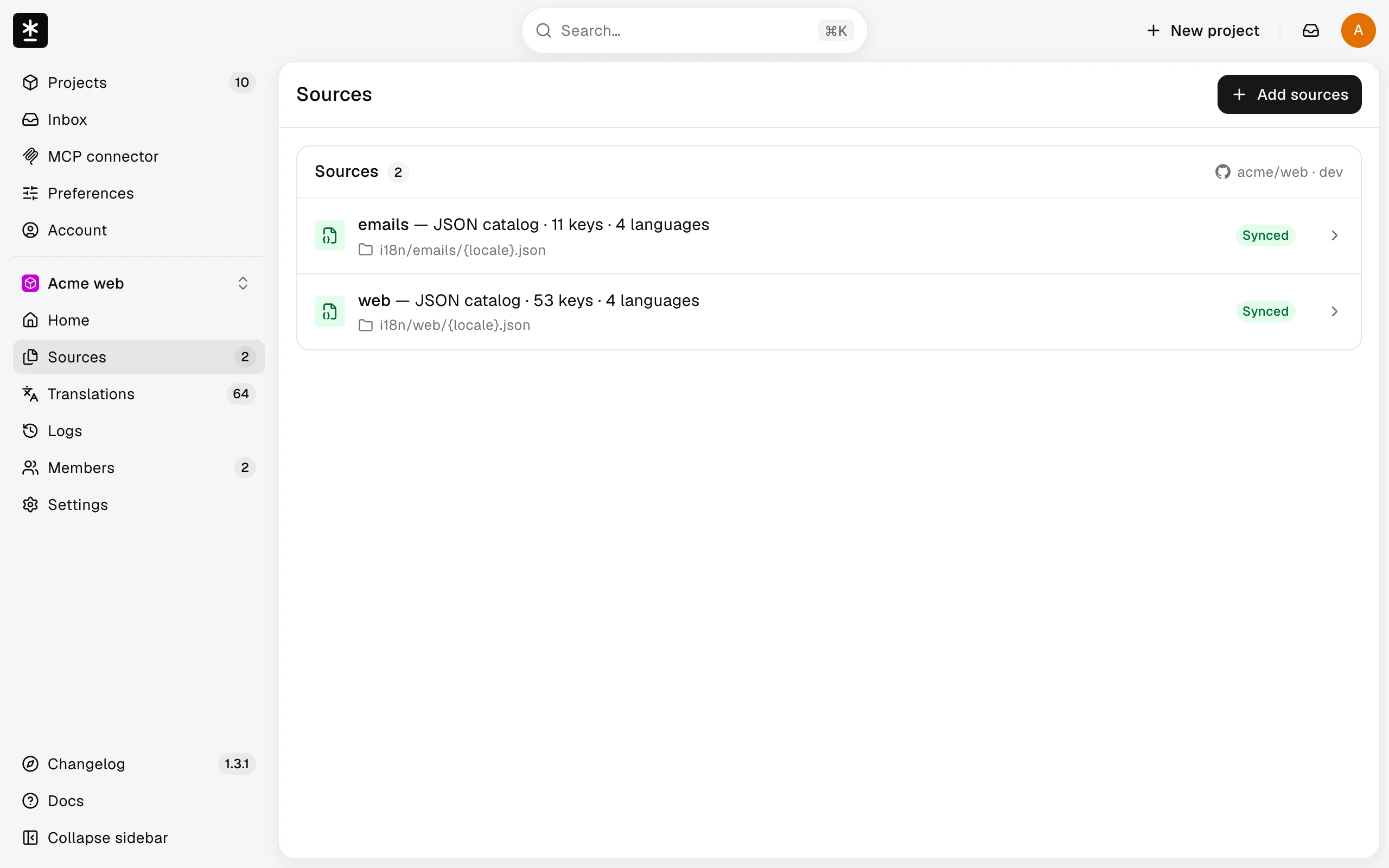
Add sources
- Choose Add sources, then choose detected files or enter a supported path. Choose Next; it stays off until you select at least one new file.
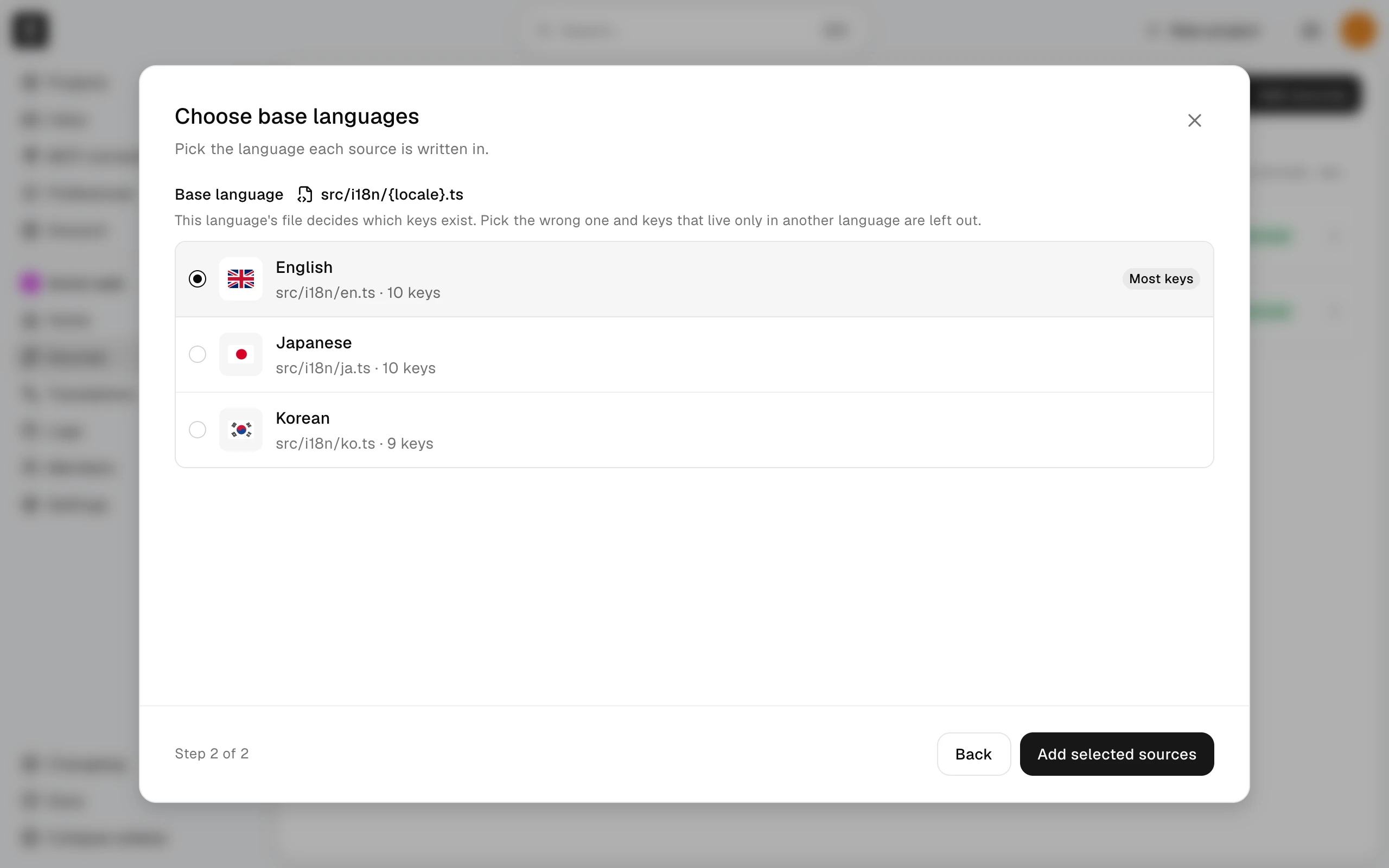
- Under Choose base languages, choose the Base language for each new source, then choose Add selected sources. Choose Back to change your selection; your choices are kept. A file can fail while the other files are added, so check each result. If nothing is added, you stay on this step with your selection intact.
- Follow the result's Settings link and copy the new source steps from the generated workflow into your repository's workflow file. Adding sources does not edit that file automatically.
Remove a source
- Open the source's details from Sources and choose Remove source. It is available to project owners only, and not for the last source in a project.
- Read the confirmation, then choose Remove source again. If the source has unsent edits, the dialog says how many; re-adding the source later replaces them with the repository's values. If a Malmoi pull request is open, the dialog says the source's changes in it drop out at the next publish.
- Remove the source's step from your repository's workflow file. Until you do, the next run fails and stops the sources after it.
Removing a source stops syncing it. Files in your repository aren't changed, and the source disappears from Sources, Publish, and the nightly update. Its keys, translations, and history are kept.
Add a removed source again
Choose Add sources and select the same path with the same file format. The removed source comes back with its translations. The first sync after that replaces its unsent edits with the repository's values wherever the repository has one; edits the repository has no value for stay unsent. If you choose a different file format for the path, Malmoi adds a new source instead; update the workflow as for any new source.
Change the base language
- Open the source's details from Sources. Under Base language, choose the language that supplies the source text, then choose Save. Until it applies, the source's details show Waiting to apply. The change applies on the next update from your repository's GitHub Actions workflow. Choosing Sync does not apply it.
- Edit the workflow's
base-locale:value to match it. - Run the workflow. If there are unsent edits, the update is held. Publish or resolve those edits, then run the workflow again.
Sync from the repository replaces values but keeps the current base language.
What happens next
The next successful workflow run reads the source with its declared base language. After a removal, a run that still includes the removed source's step is rejected as removed and loads nothing, so delete that step.