Translate
Join a project
Open your invitation email and sign in with the invited email address to join your team.
An invitation is tied to the address that received it. You can sign in with GitHub or Google.
Accept an invitation
- Open the email link.
- Sign in with the invited address. For GitHub, the invited address must be your GitHub primary email.
- Choose Accept invitation. Malmoi opens the project.
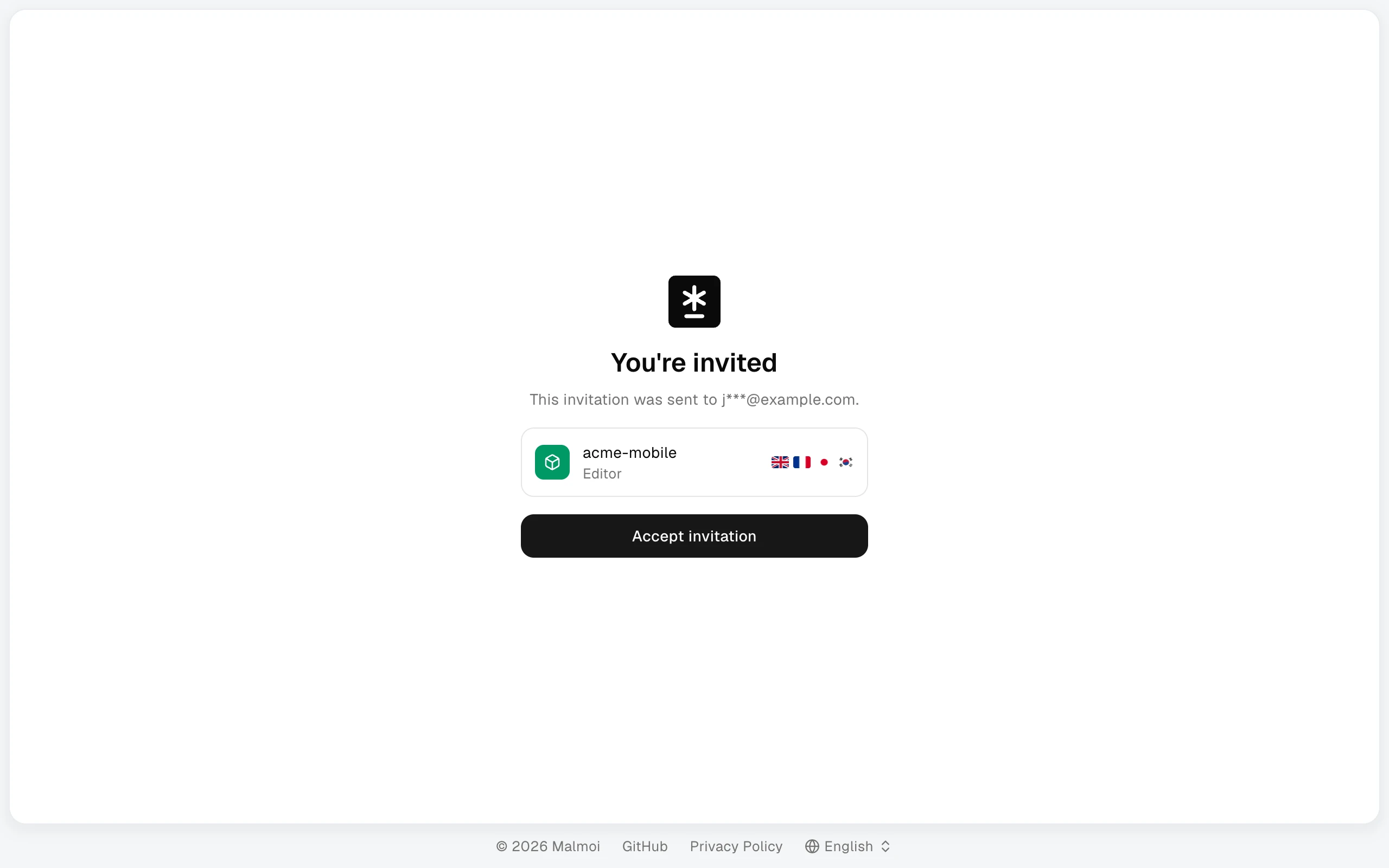
Invitations to archived projects cannot be accepted. The link stops working once you accept it, after seven days, or if a project owner revokes or resends it. Do not forward it: it works only for the invited address.
Resolve invitation problems
If you signed in with the wrong address, choose Sign in with another account and use the invited address. If the link has expired or was sent to the wrong address, ask a project owner for a new invitation to the correct address.
What happens next
Continue with Edit translations.