Set up a project
Archive a project
Archive a project to stop editing and syncing while keeping its translations and activity history.
Archiving is a project-owner action. It stops project writes and automatic repository work, but it does not delete translations, members, or the activity history. An open pull request is not closed automatically.
Archive the project
Before archiving, merge or close any open translation pull request if you do not want it left open.
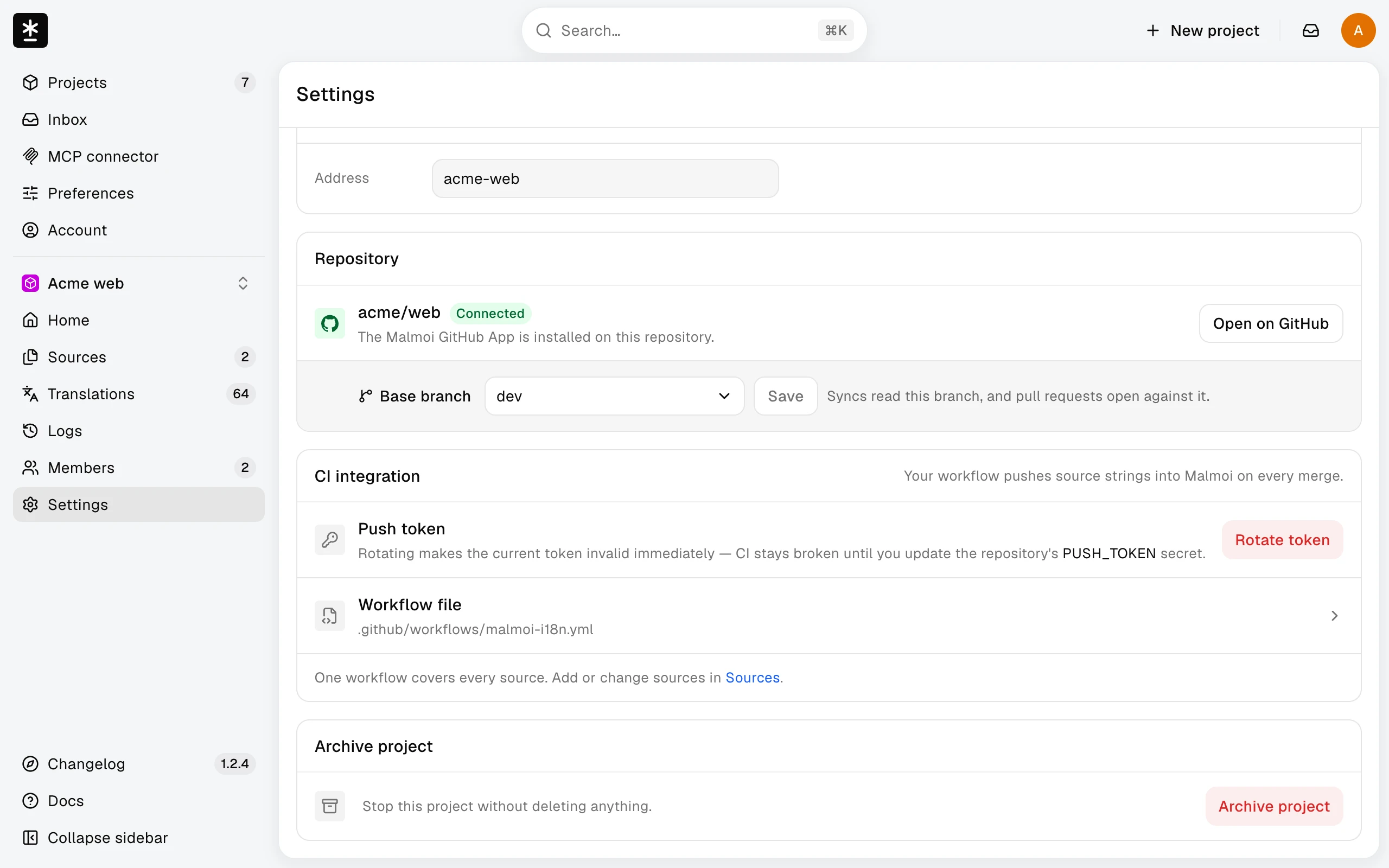
- Open Settings and choose Archive project.
- Read the confirmation, then choose Archive project again. The button changes to Restore project.
Members can still open Logs; other project pages are unavailable while archived, although project owners may open Settings.
While archived, a workflow run gets a 409 response and the repository workflow turns red. Remove the workflow or restore the project.
Restore the project
Choose Restore project in the same card to resume project work. Restoring does not remove existing translations or rewrite the activity history.
What happens next
Restoring lets members work again and lets the workflow update the project.