How syncing works
Undo and resync
Project owners can return an edited value to its last published version, or replace project values with the repository's files.
Before you start: Save or discard any open translation edit before using either owner-only control.
Revert a value
- In Translations, select a key with unsent edits and choose Revert to last sent.
- Read the confirmation, which lists the affected languages. All unsent edits for this key are included, even those saved by another teammate.
- Choose Revert translations to restore their last confirmed published values, or Cancel to keep the edits.
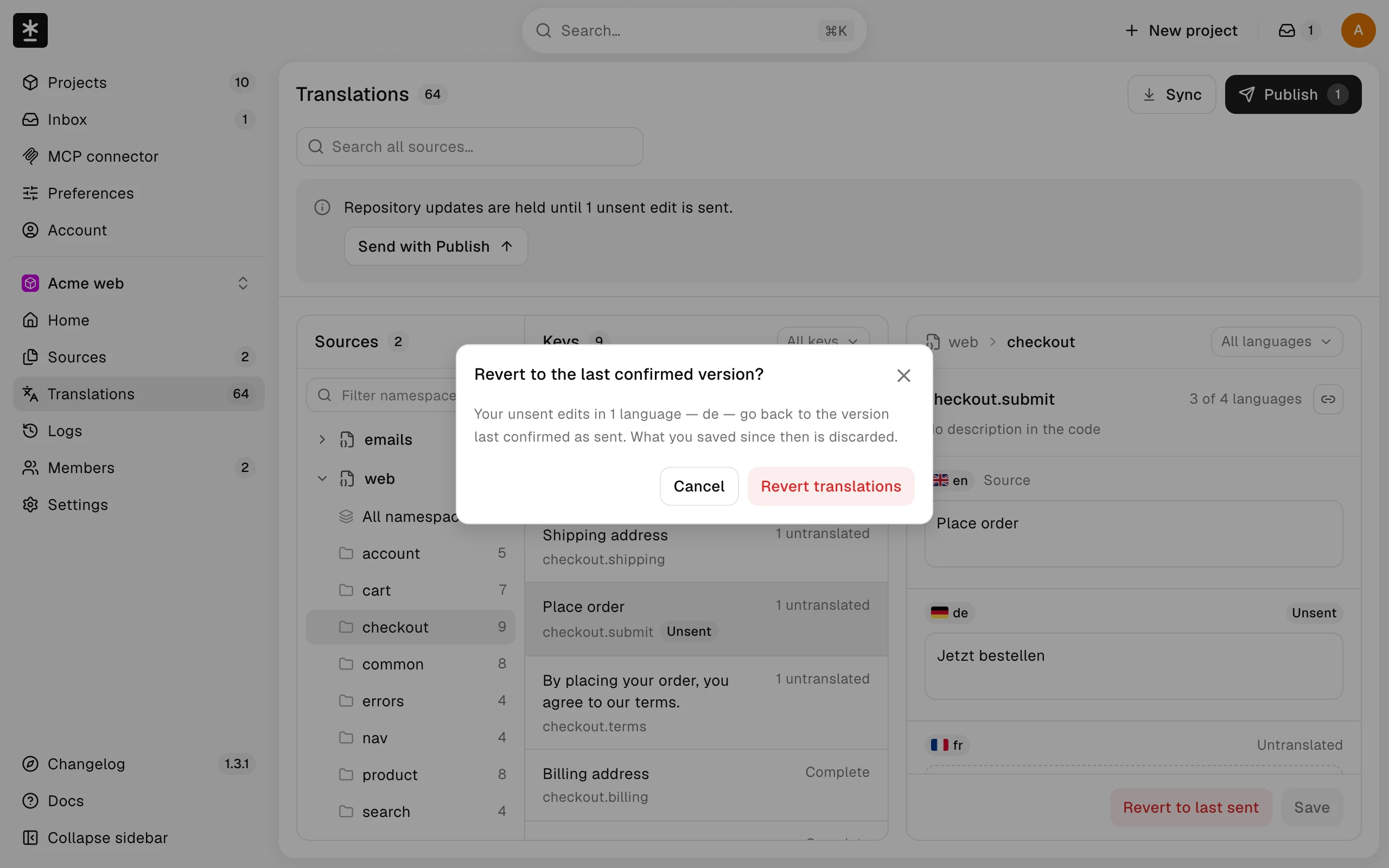
If a sync is running, Malmoi shows Syncing… with the latest time you can revert again, and nothing is reverted. If a previous published value is unavailable for any affected language, nothing is reverted. If someone changes the values while the dialog is open, choose Review again before confirming. Reverting leaves Needs review unchanged.
Sync from the repository
- Choose Sync at the top of Home or Translations.
- If there are unsent edits, the dialog shows how many will be discarded.
- Choose Discard changes and sync when there are unsent edits, or Sync from repository when there are none. Close the dialog to keep the changes.
- Wait in the dialog. It stays open while Sync runs and shows the result in the same place, under a title that names the outcome; choose Close when you've read it.
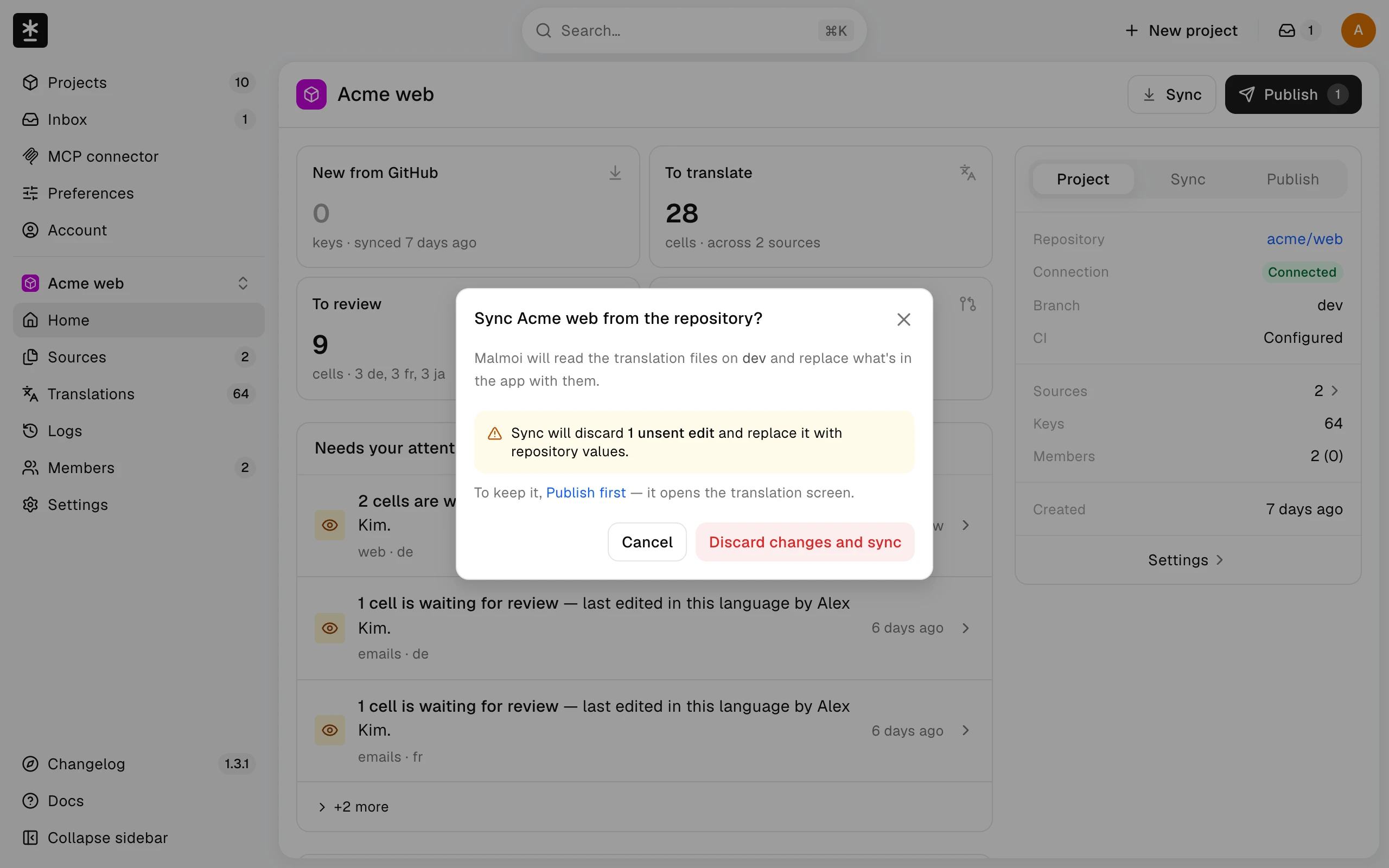
Only project owners can use Sync; editors see it turned off in Translations. If another sync was already running when you opened the page, Sync is turned off with that reason. While Sync runs, no one can save or revert translations in this project; they see Syncing… with the latest time they can save again, and their text stays. If the dialog shows no result after about a minute, it says the result will be in Logs and lets you close it. Sync reads the files on the base branch directly. The result lists any source that could not be read or was not replaced. Files that were read successfully supply the replacement values. Edits saved after you confirmed, and edits that could not be replaced, remain saved; check the remaining-edit count in the result.
What happens next
Check the result for sources that failed or were not replaced before continuing. You do not need to run the workflow to finish a manual Sync.