GitHub
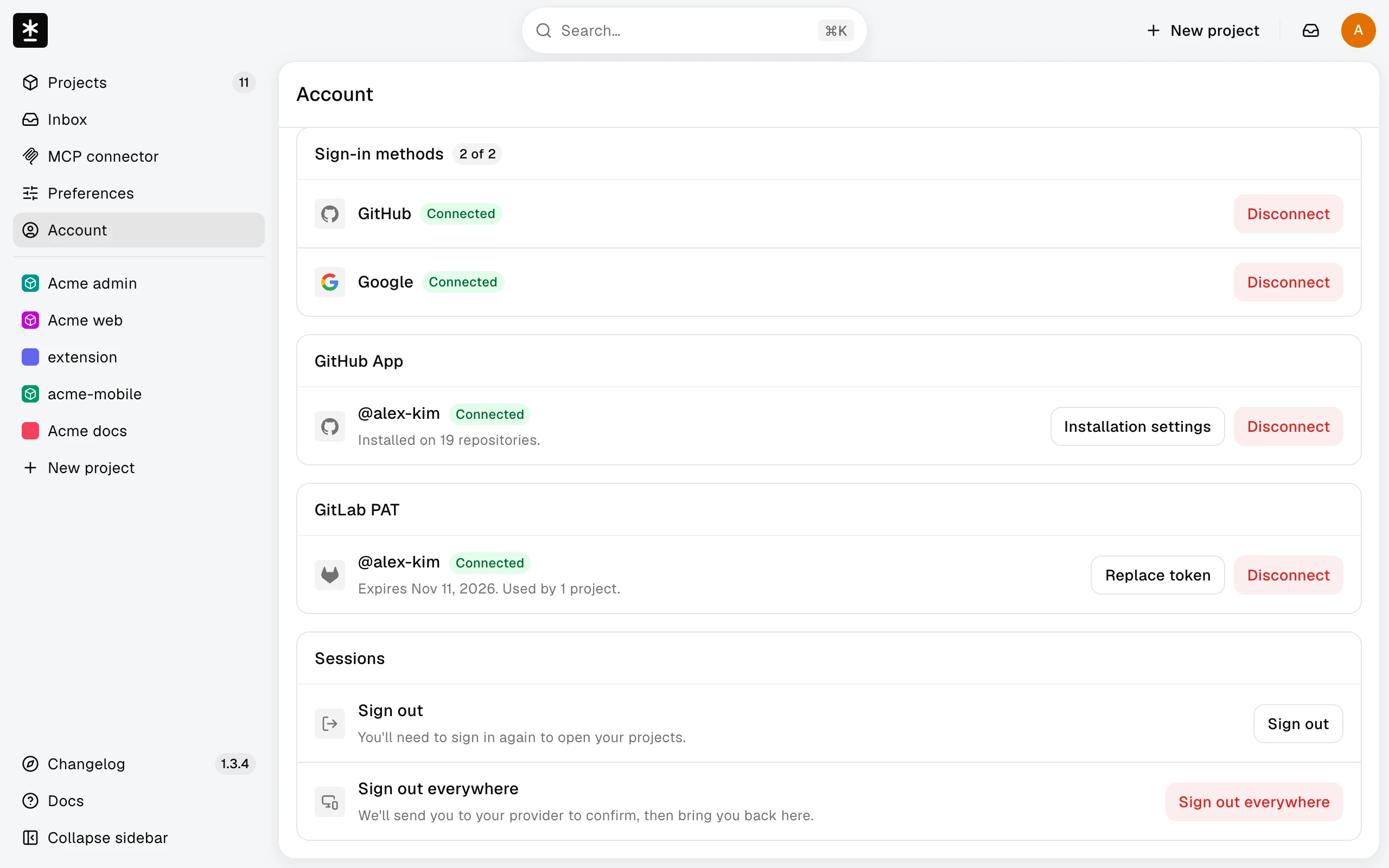
Manage the GitHub connection
Manage repository access and renew your GitHub authorization from Account.
Before you start: Open your avatar menu at the top right and choose Account.
Manage the GitHub connection
Project owners use the GitHub App section to authorize repository selection and manage installation access. This is separate from signing in. Translators can skip this section.
If authorization expires, choose Reauthorize GitHub App. Projects that are already connected keep syncing while you renew this authorization.
What happens next
Return to your project. If access still fails, see Troubleshoot GitHub.