GitLab
Troubleshoot GitLab
Find the next step when GitLab access, the CI jobs, or a repository update fails.
Restore GitLab access
In project Settings, a GitLab project's repository card shows whose token syncs and publishes use, and when that token expires. Within 14 days of its expiry date, a notice at the top of the card says how many days are left and the card shows Expires soon; after the date, the notice says the token expired and the card shows Disconnected.
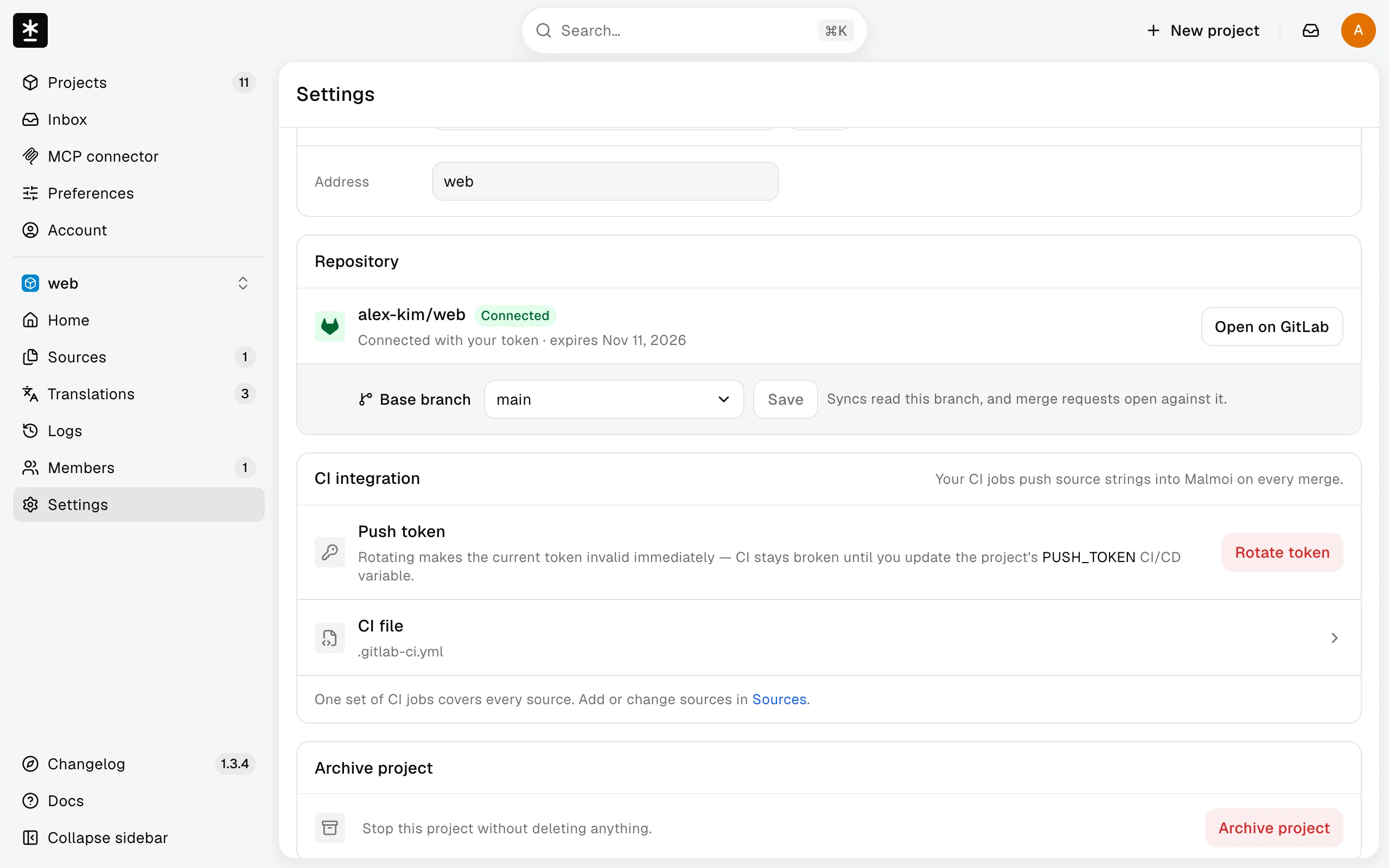
- If the token is yours, the card shows a token field: paste a new token for the same GitLab account into Personal access token and choose Replace token. It updates every project that uses your connection.
- If the token is another person's, choose Use my GitLab connection. Syncs and publishes are then written as your GitLab account. If you haven't connected GitLab yet, paste your token in the card first.
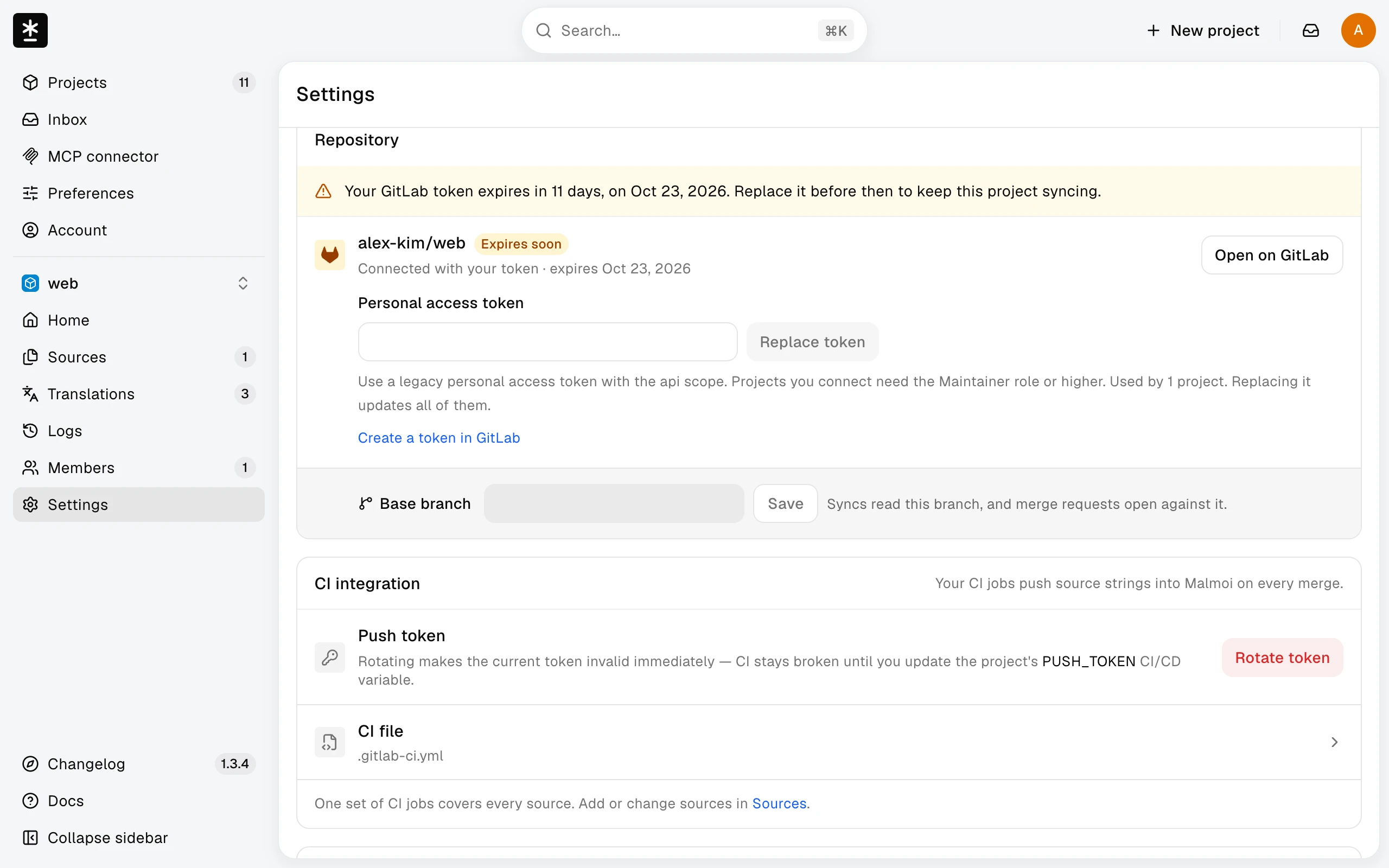
The connection shows Disconnected, and syncs and publishes stop until a project owner reconnects it as above, when:
- the person who connected the project disconnected GitLab or left the project, or
- the token can't be used: it expired, was revoked, or its owner lost access to the repository.
Fix a refused token
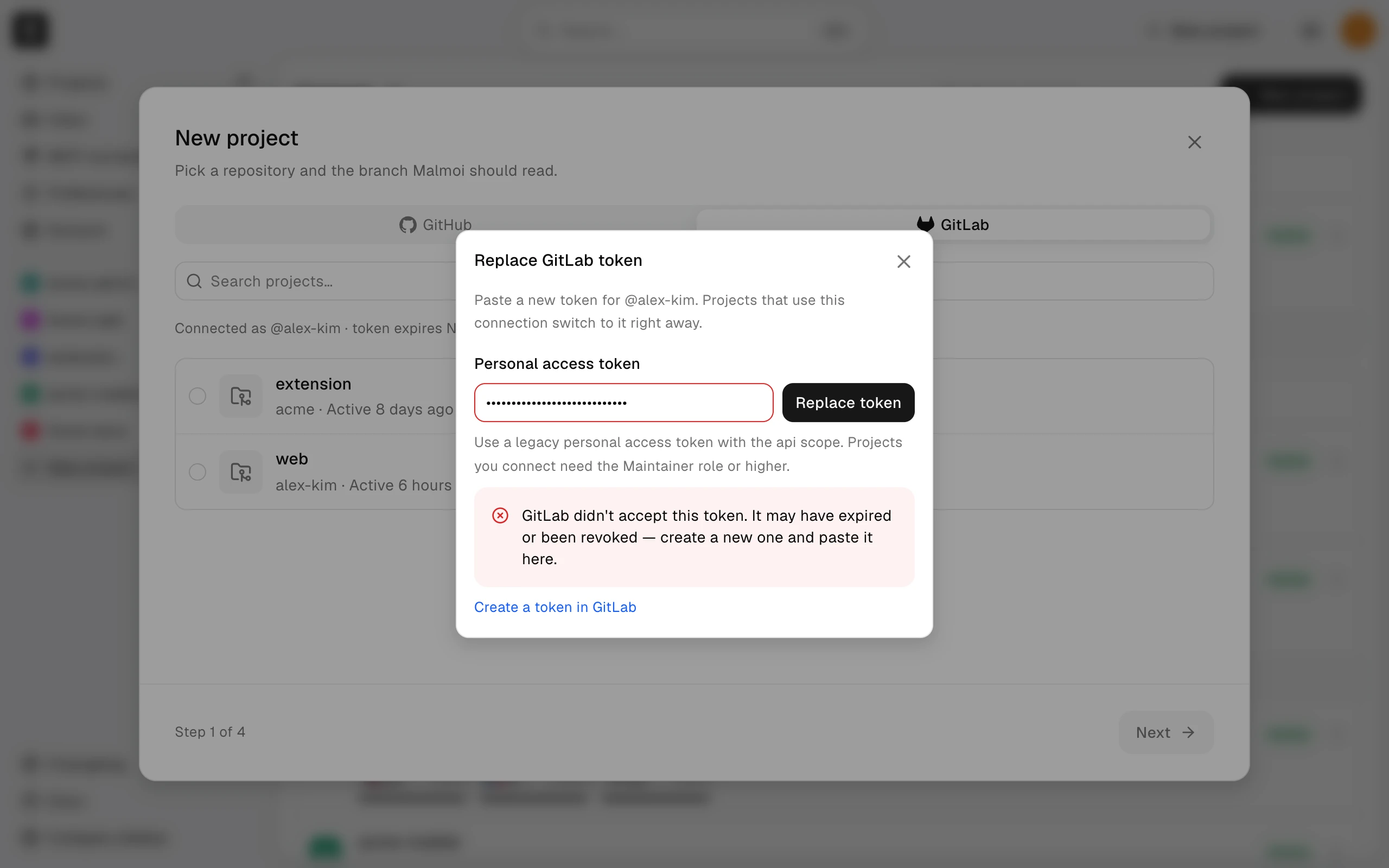
When you connect or replace a token, Malmoi checks it with GitLab and shows the reason below the help text if it's refused:
- A token that GitLab doesn't accept — mistyped, expired, or revoked — is refused. Create a new token and paste it again.
- A fine-grained token is refused. Create a legacy personal access token with the
apiscope. - A token without the
apiscope is refused. Create a new token with that scope. - Replace token refuses a token from a different GitLab account. Disconnect GitLab in Account first, then connect the other account.
- If your GitLab top-level group blocks legacy personal access tokens, Malmoi can't connect repositories in that group.
- An archived GitLab project must be unarchived in GitLab first. A project that uses the SHA-256 object format isn't supported.
- Only GitLab.com is supported, not GitLab Self-Managed or GitLab Dedicated.
Resolve CI job failures
Read the job log in the pipeline. If the job can't find PUSH_TOKEN, check that the CI/CD variable exists and that the base branch is protected, because a protected variable reaches only protected branches. A 401 means the token is wrong or was rotated:
- In project Settings, choose Rotate token under CI integration.
- Confirm with Rotate and show new token, then copy the new token. It is shown only once, and the old push token stops working immediately.
- Update the project's
PUSH_TOKENCI/CD variable with the new token, then run the job again.
Resolve rejected updates
A 409 can mean the project is archived, the project or source does not match, the format does not match, or the commit is stale. A 400 means the files sent by the job or configured file set failed validation. Read the reason in the job log before changing the project configuration.
If the job log shows deferred, the update is held, and Logs shows it as Held. If saved edits are unsent, publish them and run the job again. With open-pr, a Malmoi merge request is still open: merge or close it. With pr-check-failed, Malmoi couldn't check GitLab; run the job again later.
If Publish is disabled, there may be nothing unsent (“Nothing to send — every edit is already sent.”), the repository may not be connected, the project may be archived, or Sync may be running (“Publishing is currently unavailable.”). See Publish your changes for the editor path. Project owners can fix the connection or wait for Sync.
A commit containing [skip-malmoi-i18n] is skipped; the jobs don't run for it.
What happens next
Use the reason shown in the job log to choose the matching repair. For repositories on another host, see Troubleshoot GitHub.